
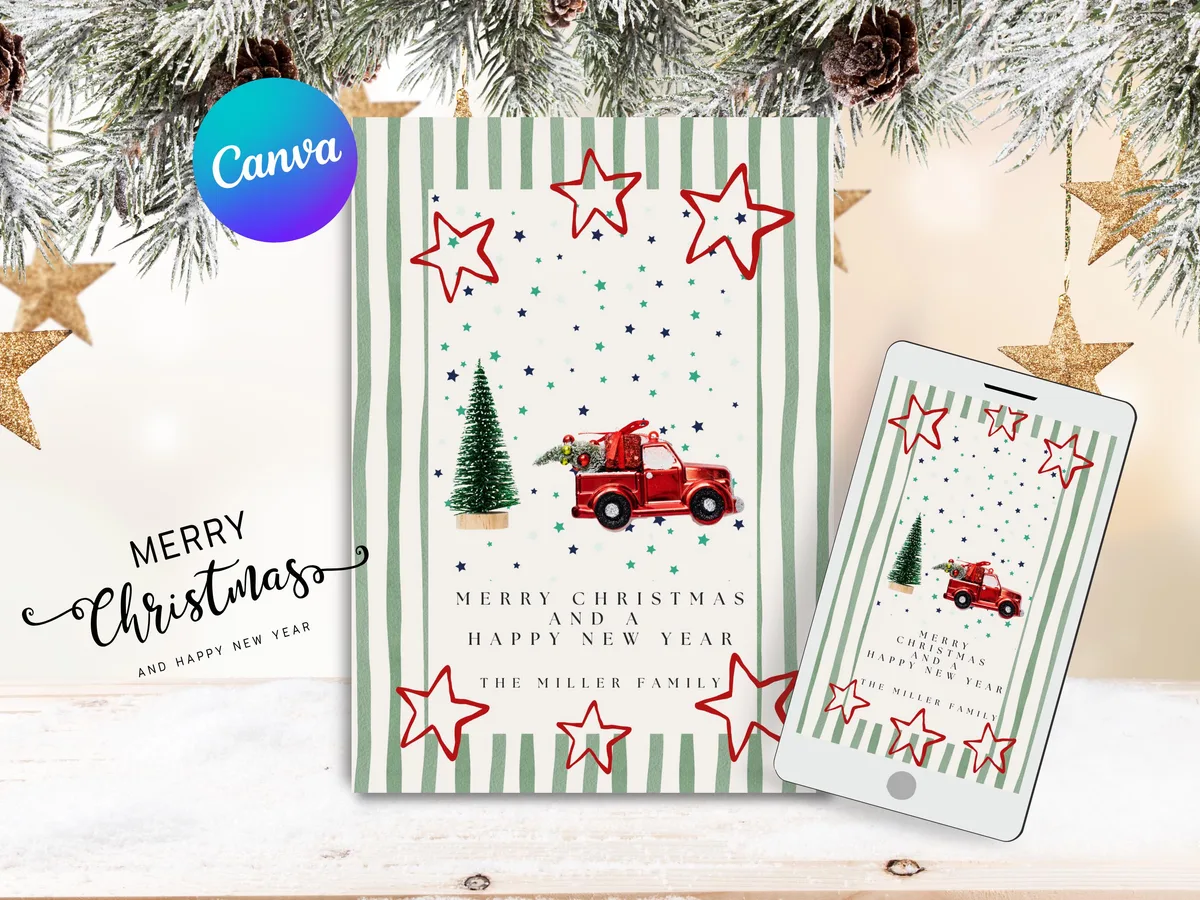
Every December, the same thing happens. You mean to do something special for Christmas cards this year. Something personal, something that doesn't look like it came from a supermarket checkout. And then suddenly it's December 20th and you're ordering a generic 4-for-3 box just to have something to send.
There's a better way, and it takes less time than you might think.
Why Canva changes what's possible for Christmas cards
Canva has made it genuinely easy for non-designers to create beautiful, professional-looking cards. The catch: starting from a blank canvas is still intimidating. That's where editable card templates come in.
An editable template gives you a professionally designed layout (typography, spacing, color palette all figured out) and lets you swap in your own text, family photo, and personal touches. The design stays beautiful. Your details make it personal.
The result: a card that looks like you hired a designer, in the time it takes to drink a cup of coffee.
Choosing a Christmas card style
Before you pick a template, it helps to know what feel you're going for. There are broadly three directions:
Classic and traditional: rich colors (deep red, forest green, gold), classic typography, traditional imagery (holly, candles, stars). Works for anyone, safe for professional contacts too.
Modern and minimal: clean white space, simple line art, a restrained color palette (black and white, sage green and cream). Feels contemporary rather than festive in the old sense. Good if you don't love the typical Christmas aesthetic.
Warm and playful: illustrated characters, bright colors, something a bit more cheerful and loose. Works especially well for families with young children.
Pick the direction that feels like you, not what you think a Christmas card should look like.
What to include on a Christmas card
At minimum: a message and your name. But there's a spectrum.
Simple:
> Wishing you a warm and wonderful Christmas.
> [Your name]
Personal:
> This year has been a big one for us, a new house, a new baby, and a lot of coffee. Thank you for being part of our world. Wishing you and yours all the best this Christmas.
> With love, [Family name]
Family update style:
> Happy Christmas from the [Family]! Here's a look at our year…
The message doesn't have to be long. A few genuine sentences beat three paragraphs of generic holiday cheer.
Adding a family photo
If your template has a photo placeholder, here's how to get the best result.
Choose a photo with natural light. Indoor shots with artificial overhead lighting tend to look flat on printed cards. A photo taken near a window, or outdoors, will look dramatically better.
Use a recent photo. Sounds obvious, but it's easy to grab a favorite from two summers ago. The whole point is a snapshot of this year.
Crop it yourself before uploading. If you want a particular part of the photo to show, crop it on your phone first. Canva's photo tool is flexible but can be finicky.
Check the resolution. If you're printing, your photo should be at least 1200px on the short side, ideally 2000px or more. WhatsApp-compressed photos sometimes drop below this.
Printing your Christmas cards at home vs. a print shop
- Cardstock (200–300gsm) makes the biggest difference in how professional it feels
- Print a test page on regular paper first to check alignment and color
- Download as PDF from Canva, not PNG or JPG, for best print quality
- For a glossy or matte finish on premium stock, a local print shop is worth it
- Export as PDF from Canva, most shops will ask for PDF with bleed marks
- Order at least 2 weeks before you need them, 3 weeks if you're sending abroad
- Export as PNG for the cleanest quality
- Keep the file under 2MB or it may not deliver properly over WhatsApp
- Add a short personal message in the app rather than a generic "Happy Christmas"
How to send cards that actually get opened
Cards get noticed when they feel intentional.
Handwrite the envelope. Even if the card itself is printed, a handwritten name on the envelope signals this is for them, not a bulk mailing.
Send early. Cards that arrive the week before Christmas feel like gifts. Cards that arrive on December 23rd feel like an afterthought.
Add a brief handwritten note inside. Even just two lines in your own handwriting makes it personal in a way printing can't replicate.
Christmas card templates you can customize in minutes
All of the Christmas card designs in the Moments by Maggie shop are fully editable in Canva, no design skills required. Add your family name, swap in your photo, change any colors you like, and download as PDF. Done in under 10 minutes.
Browse the [Christmas collection](/en/christmas) for cards, gift tags, and holiday labels to match.